














The X address and checking social links
Where to find PuliBet Twitter
PuliBet Twitter is the @puliresmi profile on X . Both platform names appear in one X/Twitter item and do not identify two different brand accounts. To reach the intended destination, check the profile name together with the platform address, rather than separately.
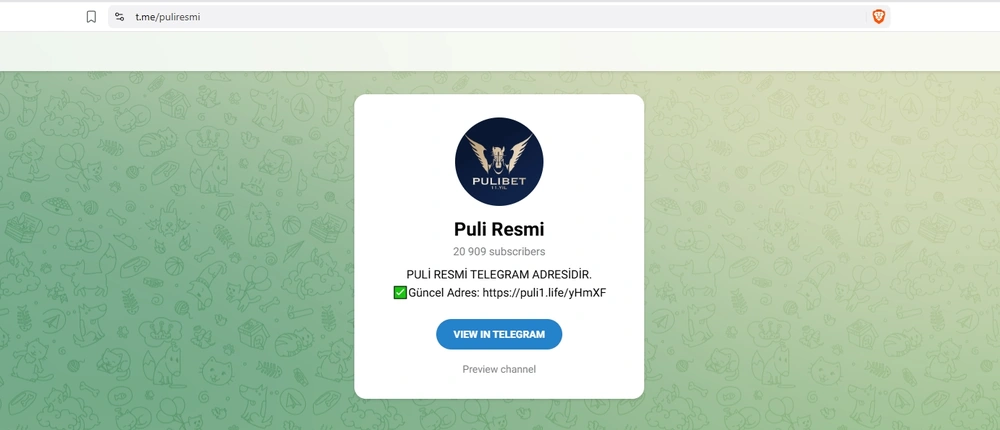
The name PuliBet X refers to this same profile.
The button label and actual destination may differ. Among PuliBet’s social links, Instagram is a clear example: that item opens Telegram. Use the item’s actual destination address for navigation.
| Menu item | Destination | What to check |
|---|---|---|
| X/Twitter | X profile @puliresmi | The X platform and profile name |
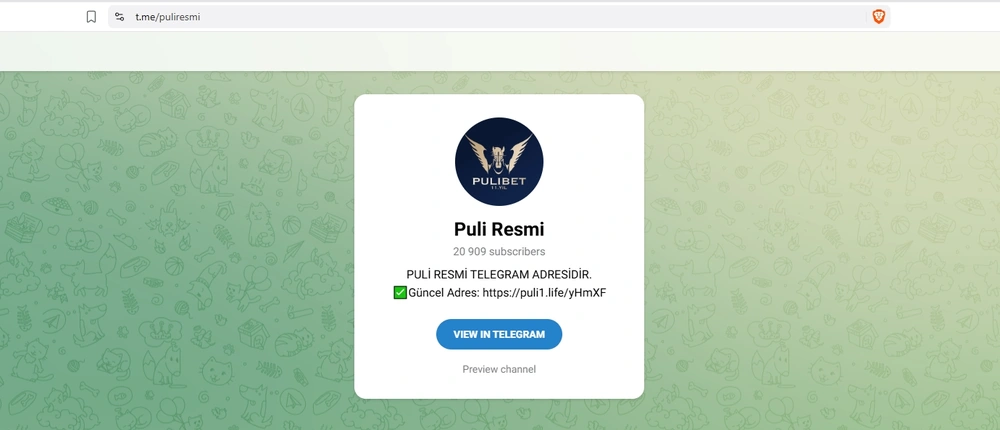
| Telegram | PuliResmi channel @puliresmi | The Telegram destination address |
| Telegram | The platform opened, regardless of the button label |
A public profile provides a recognisable brand address on a specific social network. But ownership of a profile and the authority of an individual who writes to you are different questions. A message bearing the PuliBet name cannot automatically be treated as an extension of the official account’s activity.
How to check the profile that opens
Following a menu item or saved link
- Choose X/Twitter or open the saved profile link.
- Check that the destination is on X and ends with puliresmi.
- Compare the username with @puliresmi, looking for added characters.
- If Telegram opens, return to selecting the intended platform.
- Save the verified full address, not just a copied display name.
- Before proceeding, identify your task: viewing the profile, an account question or taking part in an offer.
When a link opens in an app, checking the profile itself is useful; in a browser, check the destination address. These are recommendations for checking a link, not mandatory actions within a particular interface version. Button positions may differ, so the platform and username remain the reference points.
If another person sent the link, do not treat their description as proof of its destination. A message saying “official X” may accompany a different link. Open the known address yourself before associating the proposed action with the brand’s account.
Why a matching name does not merge platforms
A personal Telegram offer does not become an X post because it shares the brand name. Likewise, an enquiry’s outcome in another channel cannot be transferred to service on X. For Telegram, open the relevant channel guide : it has a different subject and its own examples.
Do not use counters, design or the visibility of particular elements as standalone proof of a contact’s authority. Even a correctly opened profile does not make a third-party link in a forwarded message a verified payment route. Financial actions require separate checks of the action itself and its terms.
How to describe an incorrect destination
To report a navigation problem, record where you clicked from, the name of the selected item and the address that opened. These details describe a specific mismatch. State the expected destination separately so that a request to fix a link does not look like a complaint about the profile’s content.
For example, “I clicked Instagram in the social menu and Telegram opened” reports an observation without guessing the cause. Do not add a claim that the Instagram account was deleted or hacked: an incorrect button destination does not prove that. Describe the actual result of following the menu link.
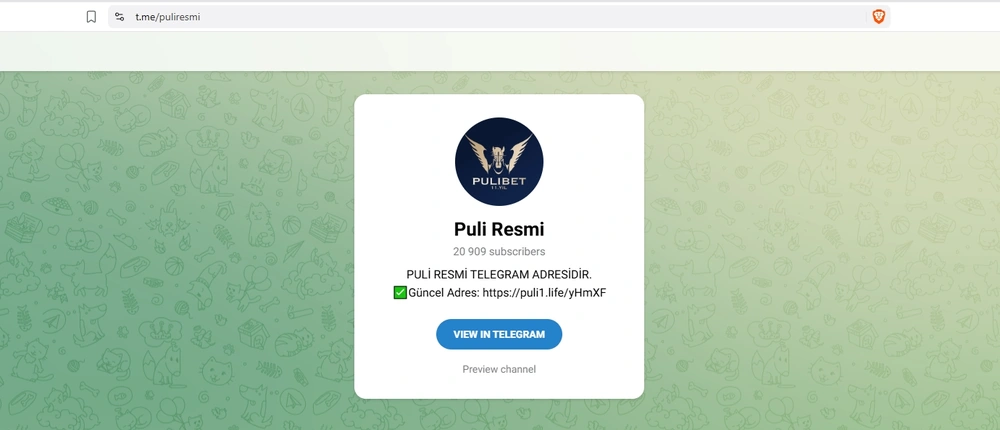
A screenshot for this enquiry should show the menu item or destination address, not payment history. If describing several links, list them separately: one item and one destination per entry. This distinguishes an incorrect link from a user selecting another button.
The jungle
in your pocket
PuliBet on your smartphone: an Android app and mobile access on iPhone. Choose the format that suits you.

How to choose the next step for your task
Finding a profile only requires checking the social address. Login, access recovery or a disputed transaction requires information about the account and the designated enquiry route. Separating tasks saves time: you prepare the relevant details immediately instead of expecting a public profile to replace every site function.
| Your task | Where to go | What to prepare |
|---|---|---|
| Find the official X profile | The verified @puliresmi profile | Full destination address |
| Understand the login process | Login instructions | Description of the step where the problem arose |
| Ask an account question | The support section | The enquiry and transaction details without secrets |
| Check the Telegram destination | The Telegram guide | The link and the specific offer text |
| Compare social buttons | The destination table above | Name of the selected item and platform opened |
For login difficulties, start with the login instructions . Describe exactly what happens: the form will not open, entered details are rejected or a required step is unavailable. Do not include the password in the error description, even when trying to show the situation in full detail.
For a deposit, bet slip or withdrawal question, go to PuliBet support . State the expected and actual results separately: which transaction was performed, what the account displays and where the discrepancy lies. A specific description is more useful than asking to “check everything”, because it defines the enquiry’s subject.
Do not publish a full set of account details in social correspondence. A transaction number may help a specific review, but passwords, one-time codes and full payment details should not accompany a public question. Crop unnecessary areas before sending an image and check what remains visible.
Eligibility and wagering conditions apply.
- Deposit in the example
- 250 TRY
- Wagering in the example
- 2,750 TRY
- Time limit
- 20 days

What to do with a message, link or offer
First separate three things: who sent the message, where the link leads and which action is proposed. Authenticity of one element does not prove the others. For example, mentioning the correct username does not establish the sender’s identity or make supplied payment details part of the cashier.
If you are asked to follow a link
Check the destination address before entering details. If the offer concerns login, use your familiar account route instead of sharing access through private correspondence. If the link opens a different social platform, treat it as a separate destination and check its address again rather than relying on the original label.
Do not treat an unexpected redirect as automatic proof of fraud: the menu already contains an Instagram → Telegram example. Nor should you ignore the difference. The practical step is to establish the actual destination and then decide whether it matches your original intention.
If the discussion concerns a bonus or financial transaction
Read the entire offer, including eligibility, the credit mechanism and required actions. Advertising wording does not replace a specific promotion’s rules. Do not attribute terms received from a personal contact or another channel to the X profile.
Before transferring funds, compare the amount and payment method with the transaction in your account. A request to act urgently does not explain mismatched details or remove the need to check. If the offer remains ambiguous, first ask support for clarification and quote the exact condition.
For a disputed credit, keep your own sequence of events: the action, displayed result and error message. Do not add assumptions about the cause as established facts. “After confirmation I see this status” is more precise than alleging a particular technical fault that you have not yet investigated.
If a contact asks for secret information
Do not send a password or one-time code in response to a request to confirm your identity by message. Describe the problem without this information and use the designated contact route. Keeping control of account access matters more than providing exhaustive correspondence to a person whose authority you have not established.
If a prepared screenshot already includes unnecessary information, make a safe copy before sending it. Keep only the area needed to understand the error. This retains the substance of the question without exposing other transactions, open tabs or details unrelated to the enquiry.
Move on to resolving your question
Open the profile to view it, or select the guide for your task in the table above. If your account needs review, prepare a specific question for support.
Frequently asked questions
Which PuliBet profile is official on X?
The @puliresmi profile at x.com/puliresmi. Check both the platform and the name: the Telegram channel uses the same name.
Do X and Twitter mean different PuliBet accounts?
No. In this social menu, X/Twitter identifies one profile on X, not two separate addresses.
Is searching only for puliresmi enough?
It is not enough for an exact destination: the name is used on different platforms. Save the full address of the intended profile or specify that you mean X.
Where should I send a balance or login question?
Use support for balance questions and the login instructions and designated contact route for login problems. Do not post passwords, login codes or payment secrets in a public message.
Why did Telegram open after I clicked Instagram?
That social menu item leads to Telegram. Identify the platform by the address that actually opens, regardless of the button name.